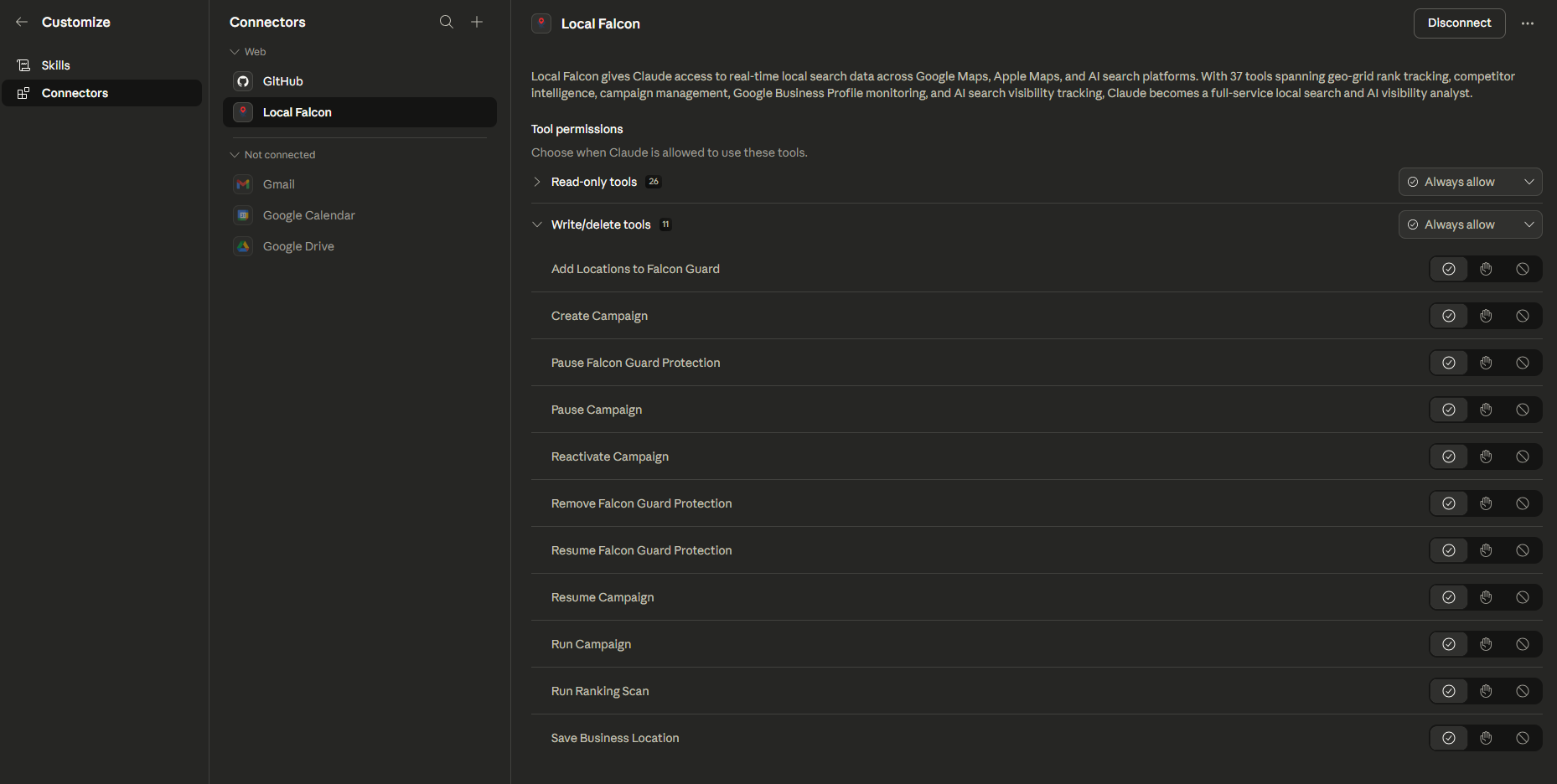
The Local Falcon Claude Connector brings the full power of Local Falcon directly into your Claude conversations. Connecting your Local Falcon account to Claude through Anthropic's native connector system turns Claude into an intelligent local SEO workflow assistant — no need to switch tabs, run manual reports, or dig through dashboards.
Once connected, you can ask Claude natural language questions about your AI visibility, local search rankings, and account data. Claude will interact with your Local Falcon account in real time to retrieve scan results, analyze performance trends, run new scans, and surface competitive insights — all from within a single conversation. Whether you're managing one location or hundreds, the connector streamlines your local SEO research and helps you work faster and smarter.
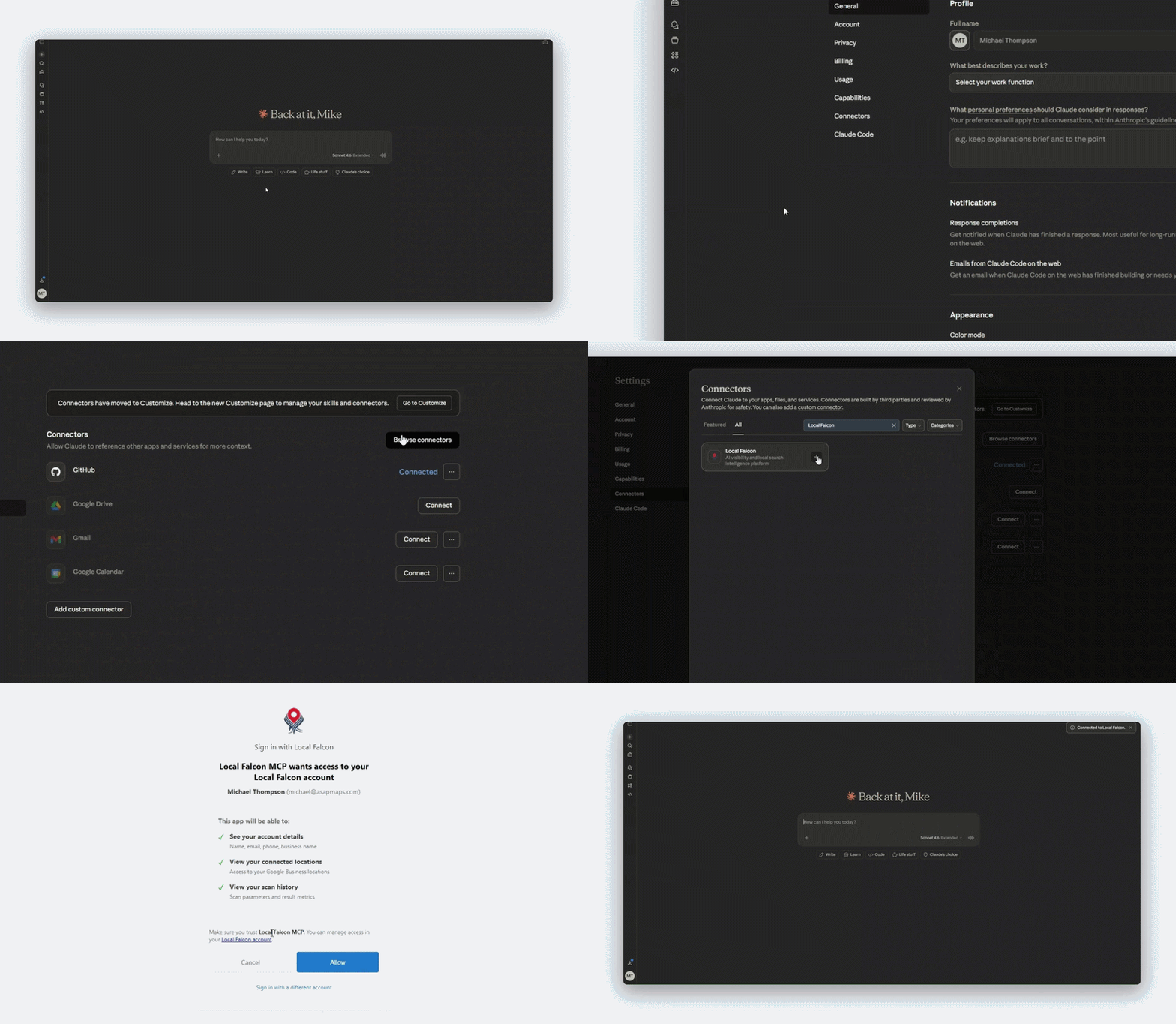
Adding the Local Falcon Claude Connector
- Navigate to claude.ai and click on your name in the bottom left-hand corner (you must be logged in first).
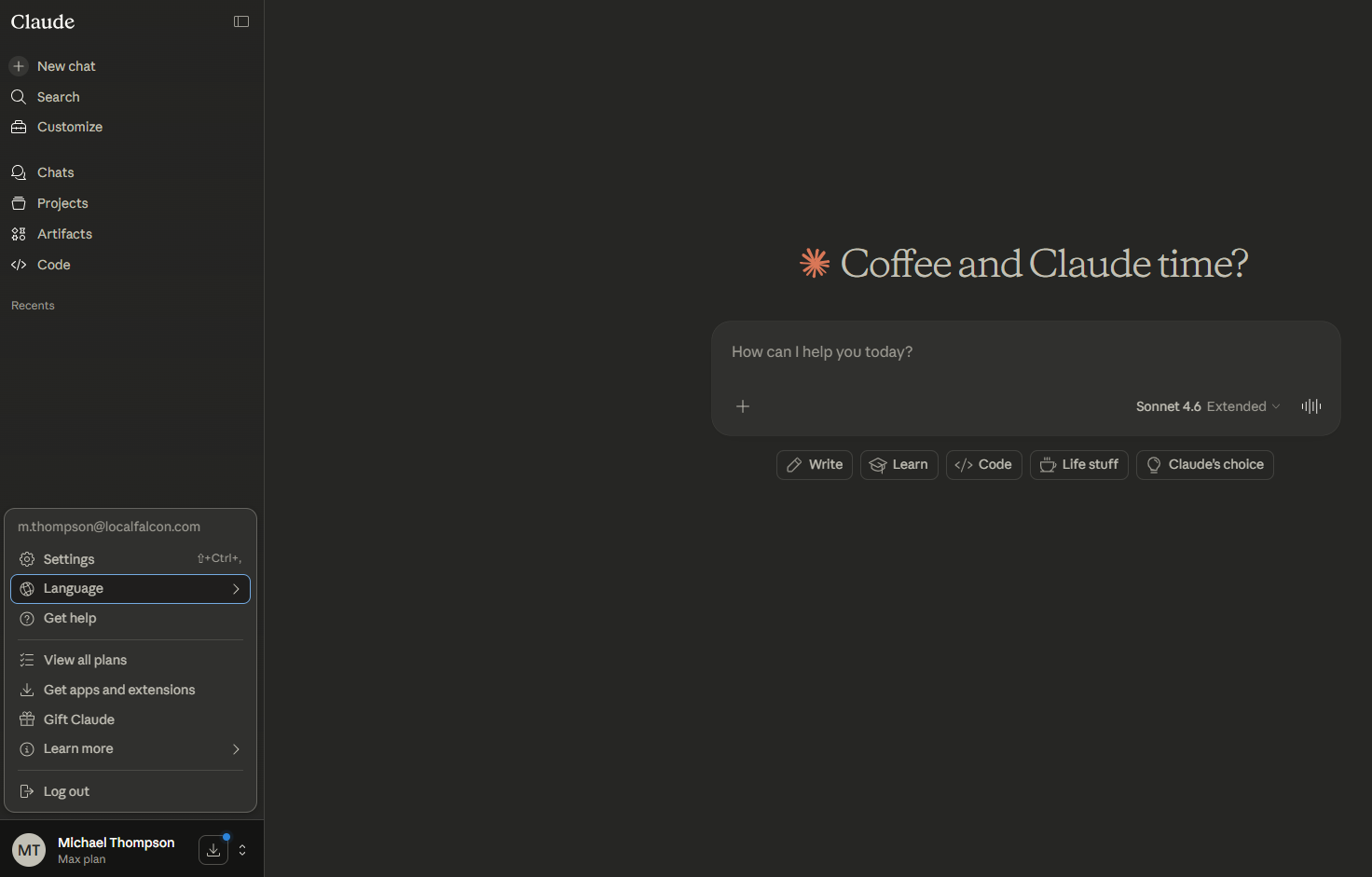
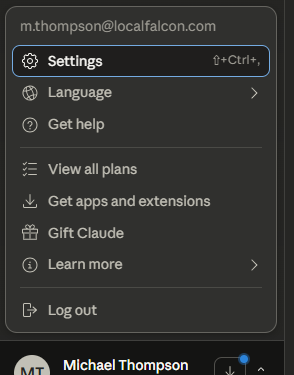
- Click "Settings" next to the gear icon.
- Select "Connectors" from the Settings menu.
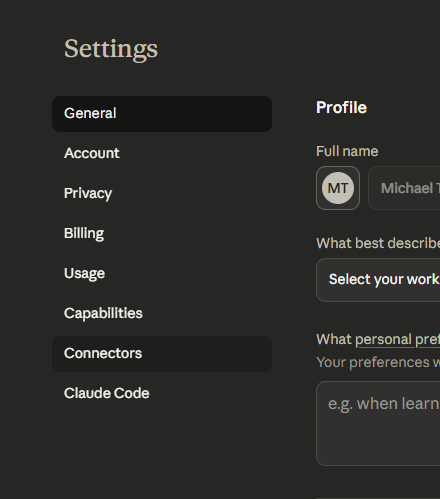
- Click "Browse Connectors."
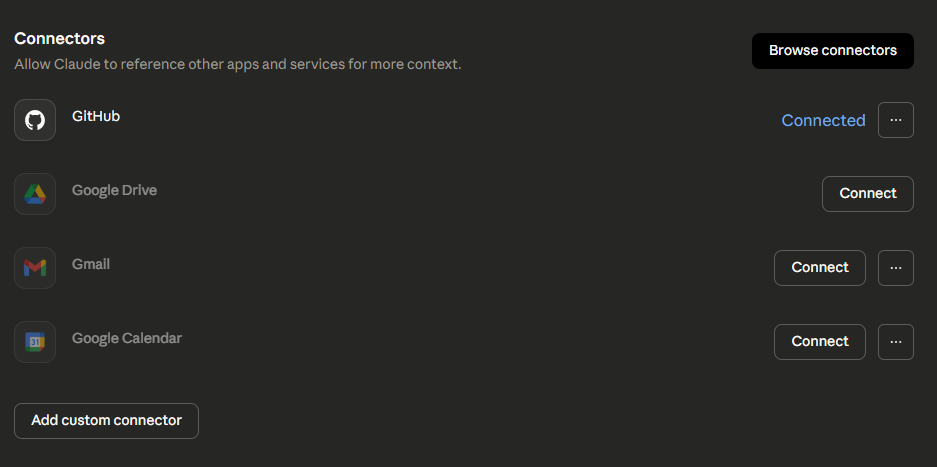
- Search for "Local Falcon" and click the "+" symbol next to the connector.
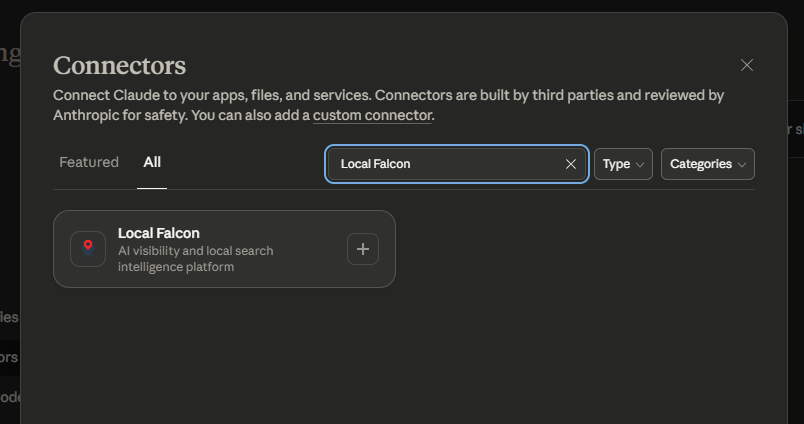
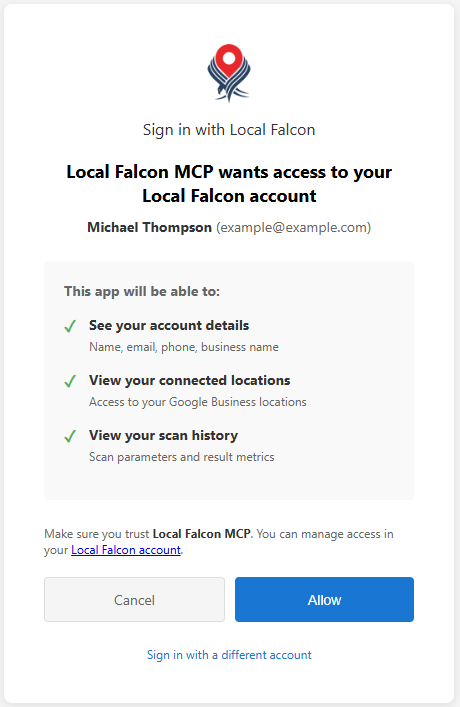
- Sign in with your Local Falcon account credentials.
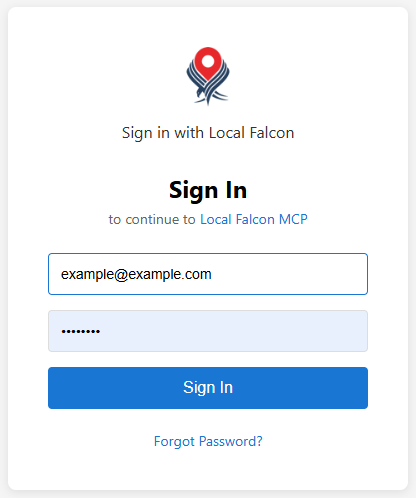
- Click "Allow" when prompted.
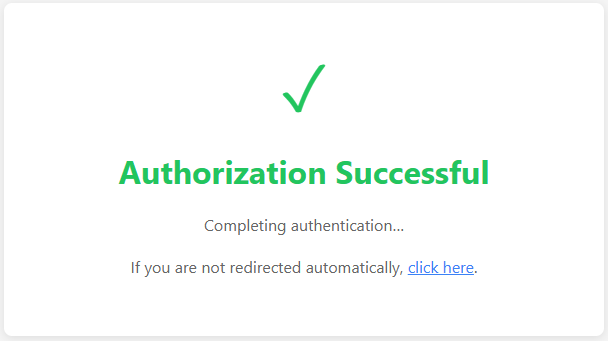
- You're all done! You should be redirected back to Claude automatically, but if not, click the redirect link you see to get you back to Claude.
Using the Local Falcon Claude Connector
- Start a new conversation in Claude and ask a question or give a command related to your local SEO performance or Local Falcon account.
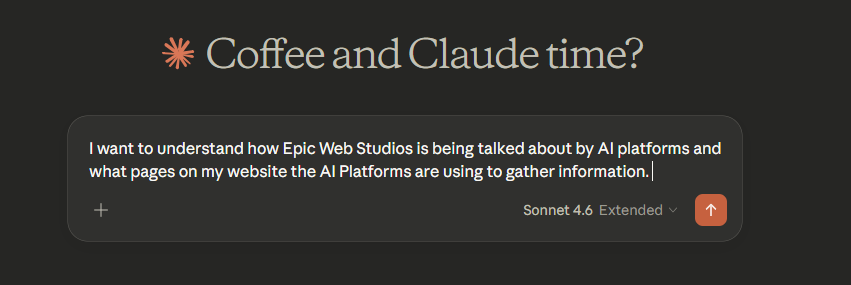
Some examples to get you started:
- "What are the latest scan results for my main location?"
- "Run a new scan for [business name] using the keyword [keyword]."
- "How has my average ranking position changed over the last 30 days?"
- "Show me a competitive analysis for [location] and compare it to my ranking."
- "Which of my locations are underperforming and why?"
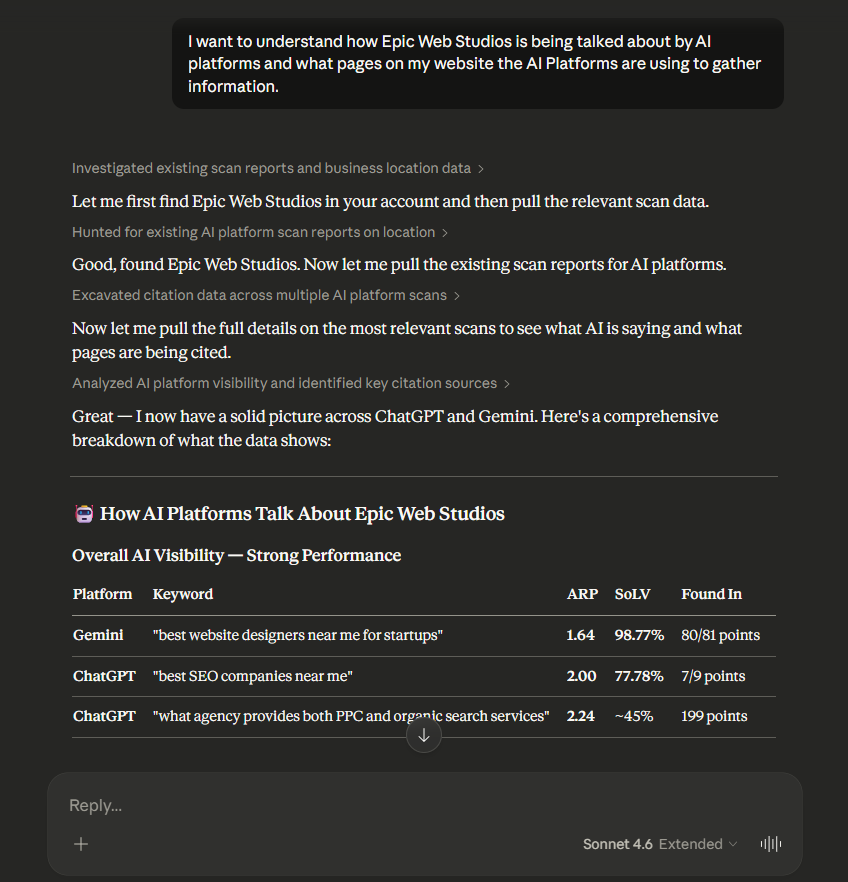
- "What is AI saying about my business?"
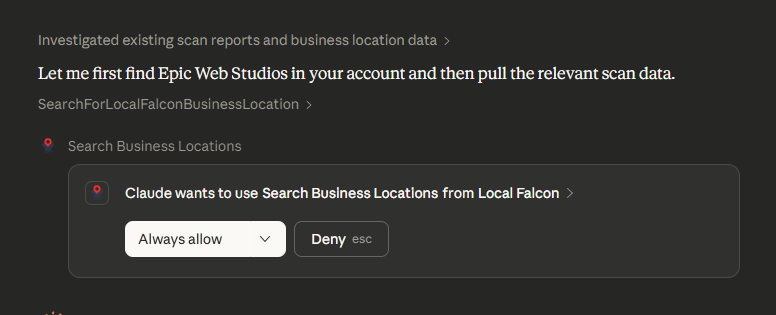
- When prompted, allow the Local Falcon Claude Connector to access your account data. Claude will only request access when it needs to retrieve or act on information from Local Falcon.
- Keep the conversation going. Claude retains context throughout your session, so you can ask follow-up questions, drill down into specific locations or keywords, request additional scans, and build on previous answers — just like working with a knowledgeable local SEO assistant who has your account data at their fingertips. The more context you provide, the better Claude can assist. Mentioning specific competitors, target areas, or other business goals helps Claude tailor its analysis and recommendations to your unique situation.
What You Can Do with the Connector
The Local Falcon Claude Connector gives Claude access to a wide range of Local Falcon tools and data, including:
- Viewing and analyzing scan reports for individual locations or across your entire account
- Running new grid scans on demand for any saved location and keyword combination
- Reviewing trend reports to understand ranking changes over time
- Performing competitive analysis to see how your locations compare to nearby businesses
- Checking Falcon Guard monitoring reports for location-specific alerts
- Accessing campaign reports and keyword performance summaries
- Reviewing account information, credit balances, and subscription details
For a complete and up-to-date list of available actions, navigate to claude.ai/customize/connectors and select the Local Falcon Connector.